
Can AI product photos replace a photoshoot for a small D2C brand?
Where AI-generated product images work for small D2C brands, where a real shoot still wins, and how to avoid misleading buyers with edited visuals.
Anadoris Digital · · 4 min read
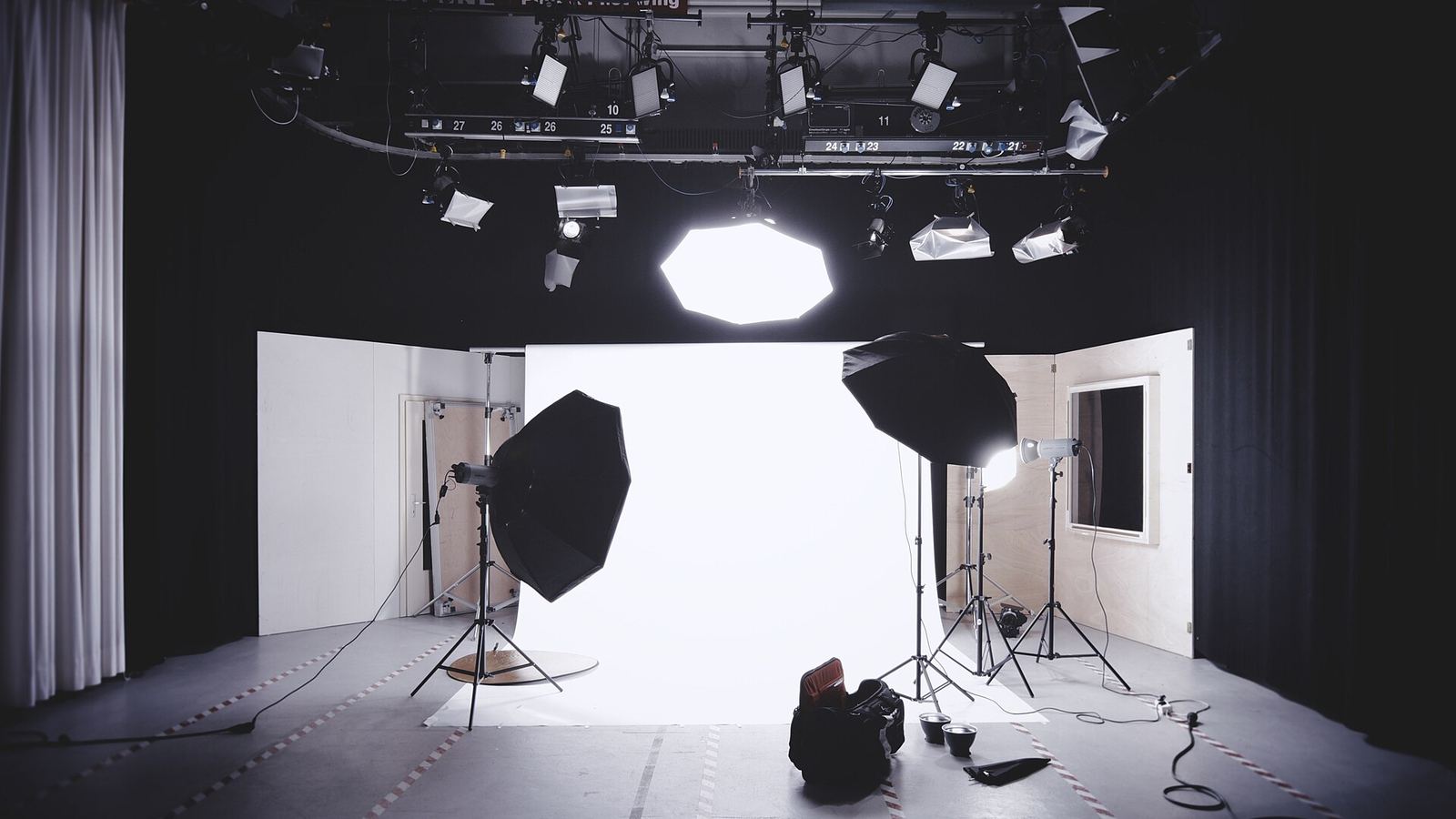
Visual content is a constant cost for D2C brands. Every launch, festival campaign, marketplace listing and ad set needs fresh images, and a full shoot for each is out of reach for most small teams. AI image tools promise unlimited variations at short notice, which is genuinely useful if you use them for the right jobs.
The rule that keeps you safe is simple: AI can change the world around the product, but it should not change the product.
Where AI images work well
- Placing a real product photo into different backgrounds and settings for social posts.
- Seasonal and festive variations of an existing hero image.
- Quick concepts to test which visual direction gets attention in ads before paying for a shoot.
- Cleaning up backgrounds, removing dust, adjusting lighting and resizing for each channel.
- Mood boards and briefs for photographers, so a paid shoot is more focused.
Where a real photo still matters
- The main product image on your site and marketplaces, which buyers use to judge what they will receive.
- Close-ups of texture, colour, fabric, finish or contents.
- Size and scale references, such as the product in a hand or next to a common object.
- Packaging and label images, especially in regulated categories.
- Variant images, so each colour, shade or flavour shown is exactly the one the buyer selects.
- Any image showing results, such as before-and-after photos.
Generated versions of these can drift in small but important ways: a slightly different shade, a cleaner texture than reality, a bottle a little taller, text on the label that is garbled. Buyers notice when the delivered product does not match, and that shows up as returns and poor reviews.
Inaccurate images also create a support burden. Customers who feel misled write longer complaints, ask for refunds rather than exchanges, and are less likely to buy again. For a small brand, the time spent handling those conversations can easily outweigh the money saved by skipping a shoot.
In each of the uses listed above, the product itself comes from a real photo, and AI changes only the setting, lighting or format. That keeps the speed advantage while protecting the one thing buyers rely on images for: seeing what they will actually receive.
Watch out for people and results
AI-generated models and faces raise separate questions. Showing an AI person using a skincare product can imply results that no real person achieved. Before-and-after images must never be generated or enhanced to exaggerate an effect. If you use AI-generated people in lifestyle imagery, make sure they do not suggest outcomes, and consider being open that the image is illustrative.
Think about rights as well. Some image tools restrict commercial use on certain plans, and generated images can sometimes resemble existing work, people or trademarks. Read the terms of the tool you use, avoid prompts that name other brands, artists or real people, and keep a record of which images were generated and with which tool, in case questions come up later.
Keep the original, unedited files for every product in one organised folder, named by product and variant. They are your reference when checking AI output, and the starting point for every new variation.
A visual accuracy checklist
- Every listing has at least one unedited, real photo of the product.
- Colour, size, shape and texture in AI scenes match the real product.
- Label text is legible and correct, not regenerated by the AI.
- No generated or enhanced results images.
- AI-generated people do not imply product outcomes.
- Marketplace image rules for your category are checked before upload.
- You have the rights to use the tool’s output commercially, according to its terms.
- Someone compares the final images with the physical product before publishing.
A practical split for small brands
Many small brands find a balance by doing one well-planned real shoot per product range, capturing clean product shots from several angles and a few in-use photos. These become the source assets. AI is then used to create backgrounds, seasonal variations and ad tests around those real photos for months afterwards. The real shoot protects accuracy; AI provides volume.
Plan the shoot with AI use in mind. Capture each product on a plain background from consistent angles with even lighting, plus a few detail shots, because these are easiest to place into new scenes convincingly. Shoot packaging straight on so labels stay legible. A brief that lists these needs, prepared before the shoot, makes the real photos far more useful for months of AI-assisted content.
Where to start
Audit your current listings and make sure each product has accurate real photos first. Then pick one channel, usually Instagram, and test AI-generated backgrounds around your existing shots, with someone checking each image against the product. Expand to ads once you trust the review step. Anadoris Digital can help set up an image workflow that keeps source photos and generated variations organised.
Related service: AI & Automation · More on this topic: AI & Automation articles