
CRM Solutions · Systems

Keep the opportunity moving.

Give every enquiry an owner, every opportunity a visible status and every salesperson a clear next action.

Illustrative interfaceSample data, not a client system.
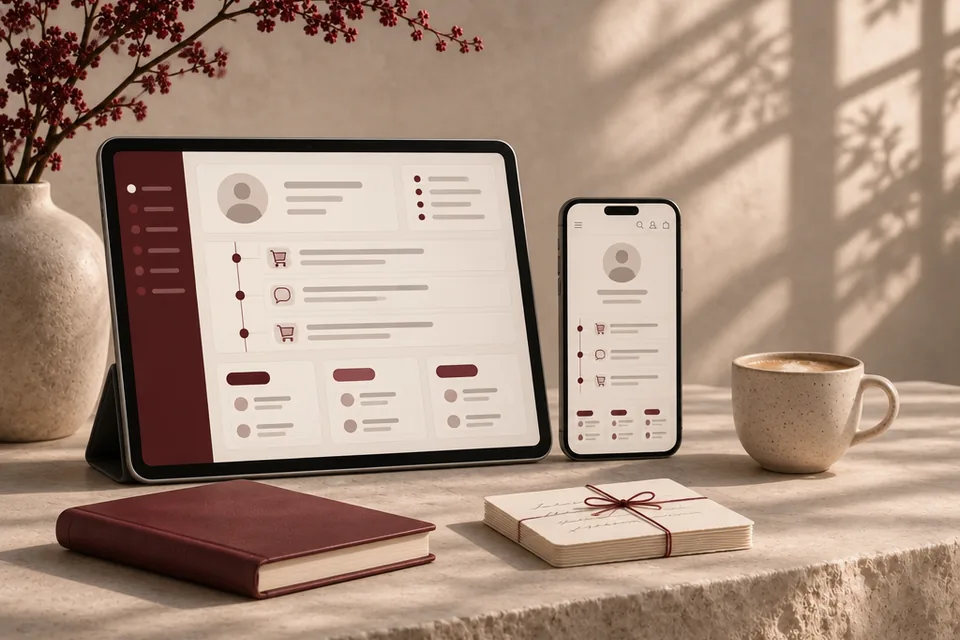
Concept customer profile and order timeline on a tablet and phone, beside a burgundy notebook and tied note cards.
Concept imagery · Anadoris Digital

Where follow-ups slip

Nobody owns the enquiry

A request arrives in a shared inbox and everyone assumes someone else has replied.

History lives in one person's phone

When a salesperson is away, the context of every conversation goes with them.

Quotes disappear

Quotations are sent from email or spreadsheets, so nobody can see which are waiting, accepted or lost.

Managers see too late

Overdue follow-ups only surface at the monthly review, when the opportunity has already cooled.

What a working CRM covers

  • Lead capture from your website and other sources
  • Ownership and routing rules
  • Pipeline stages and tasks
  • Quotation visibility
  • Activity history
  • Management reporting
  • Agreed integrations

What you receive

  • Pipeline design for your sales process
  • Data mapping from current sources
  • Configuration or development
  • Validated data import
  • Permissions by role
  • Reports and team onboarding

How the work runs

  1. Map the sale

    Stages, owners and the moments where enquiries are won or lost.

  2. Design the pipeline

    Fields, stages, routing rules and the reports managers need.

  3. Configure or build

    The CRM set up on the chosen platform, with agreed integrations.

  4. Import and check

    Existing contacts and opportunities imported and validated.

  5. Onboard

    Team training and a documented way to change the setup later.

Engagement boundaries

We work with your chosen platform where it fits; a new CRM is recommended only when the current one cannot support the process.

Integrations are agreed one by one, with their owner and failure handling written down.

See it working

An original demonstration with sample data. Explore our brand websites on the Work page.

Concept customer profile and order timeline on a tablet and phone, beside a burgundy notebook and tied note cards.
Concept imagery · Anadoris Digital
Illustrative demonstration, not client work

Sales workspace

One screen for a salesperson's day: every open lead with an owner, a next action and a due date.

  • Ownership and next action
  • Overdue follow-ups surfaced
  • Quotation status at a glance

Related: CRM Solutions, ERP Solutions

Questions

Can leads come straight from our website?

Yes. Website enquiries can create a lead with its source, an owner and a first task, so nothing waits in an inbox.

Can we keep our current CRM?

Often, yes. We review how it is set up and recommend changes before suggesting a move to anything new.

Can managers see overdue follow-ups?

That is one of the first reports we set up: open leads by owner, next action and due date.

Can integrations be added later?

Yes. We design the data model so further integrations can be added in later phases without reworking the core.

Your next chapter

What could work better in your business?

Tell us about your crm project. The enquiry form opens with CRM Solutions selected.

Discuss your project