
ERP Solutions · Systems

One business. A clearer operating picture.

Connect workflows, responsibilities and reporting around the way your teams operate.

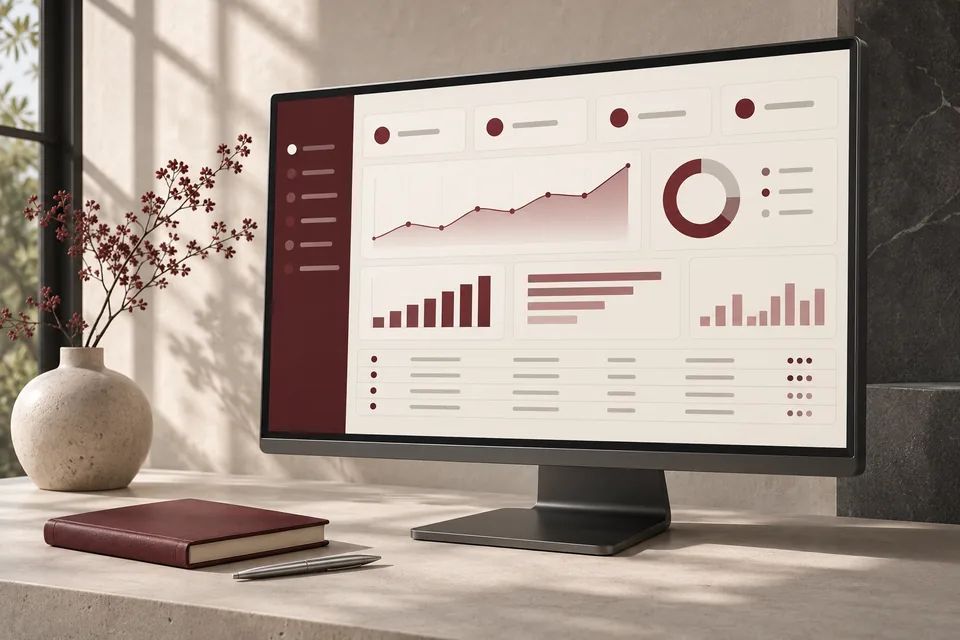
Illustrative interfaceSample data, not a client system.
Concept business dashboard with coordinated reporting and operations views.
Concept imagery · Anadoris Digital

Signs the business has outgrown its tools

Spreadsheets everywhere

Each team keeps its own version of orders, stock or approvals, and nobody is sure which file is current.

Approvals live in chat

A purchase or a discount waits on a message thread, and nobody can see what is pending or who is holding it.

The same data is typed twice

Orders are entered in one place, then re-keyed for dispatch, accounts and reporting, with errors at every step.

Reports disagree

Monthly numbers depend on who prepared them, so meetings start with reconciling figures instead of deciding.

How we approach ERP

  • Workflow discovery with the people who do the work
  • Evaluation and configuration of existing platforms
  • Custom modules where they are justified
  • Approval workflows with clear status
  • Dashboards and management reporting
  • Role-based access
  • Integration and data migration planning

Example modules: sales, quotations, purchase workflows, inventory visibility and management reporting. These are illustrations of common scope, not a ready-made complete ERP product.

What you receive

  • Process maps for the workflows in scope
  • A recommendation: configure, integrate or build
  • A prioritised pilot
  • Configured or developed modules for the agreed pilot
  • Migration plan and validated data imports
  • Training and documented support arrangements

How the work runs

  1. Map processes

    How work actually moves today, who owns each step and where it stalls.

  2. Evaluate options

    Configure, integrate or build, compared on fit, effort and long-term cost.

  3. Prioritise a pilot

    One department or workflow with a clear definition of done.

  4. Validate with users

    The pilot tested against real tasks by the people who will use it.

  5. Migrate in stages

    Data moved in checked batches, with the old process available until sign-off.

  6. Train and support

    Training, documentation and the agreed support arrangement.

Engagement boundaries

Tax, accounting, manufacturing and compliance logic need validation by the relevant specialists and a specific scope.

We do not position an ERP project as a universal replacement for your accounting system.

See it working

An original demonstration with sample data. Explore our brand websites on the Work page.

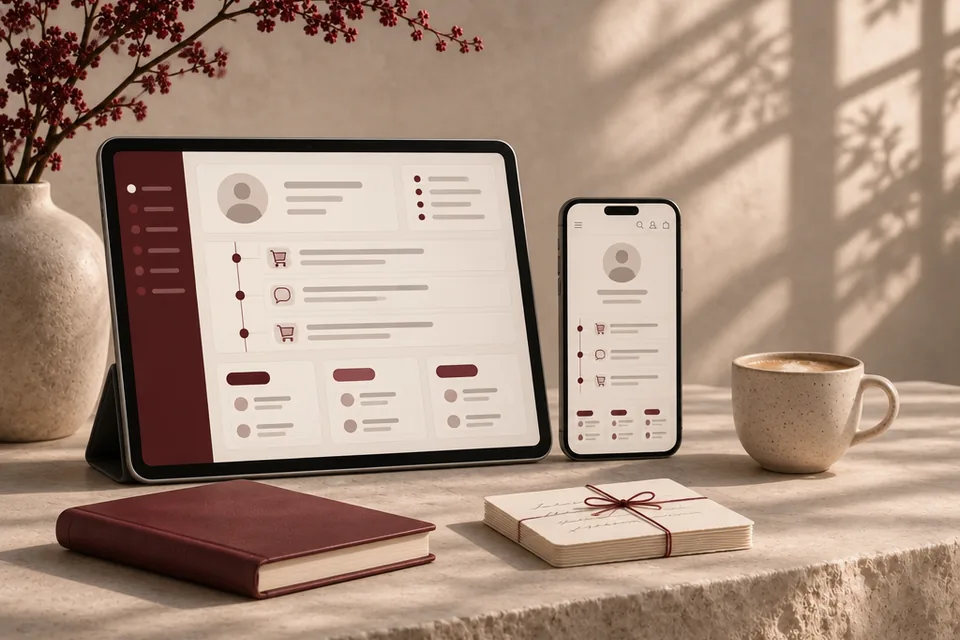
Concept customer profile and order timeline on a tablet and phone, beside a burgundy notebook and tied note cards.
Concept imagery · Anadoris Digital
Illustrative demonstration, not client work

Sales workspace

One screen for a salesperson's day: every open lead with an owner, a next action and a due date.

  • Ownership and next action
  • Overdue follow-ups surfaced
  • Quotation status at a glance

Related: CRM Solutions, ERP Solutions

Questions

Does everything have to be custom?

No. Configuring an existing platform is often the better answer. We recommend custom development only where your process is a genuine advantage or no platform fits it.

Can we start with one department?

Yes, and we usually recommend it. A focused pilot shows what works before the rest of the business depends on it.

How is our old data handled?

We plan the migration with you: what moves, what is cleaned first, what stays archived, and how each import is checked before it is relied on.

Who can see sensitive information?

Access is designed by role. We agree with you who can view, edit and approve each type of record, and document it.

Your next chapter

What could work better in your business?

Tell us about your erp project. The enquiry form opens with ERP Solutions selected.

Discuss your project